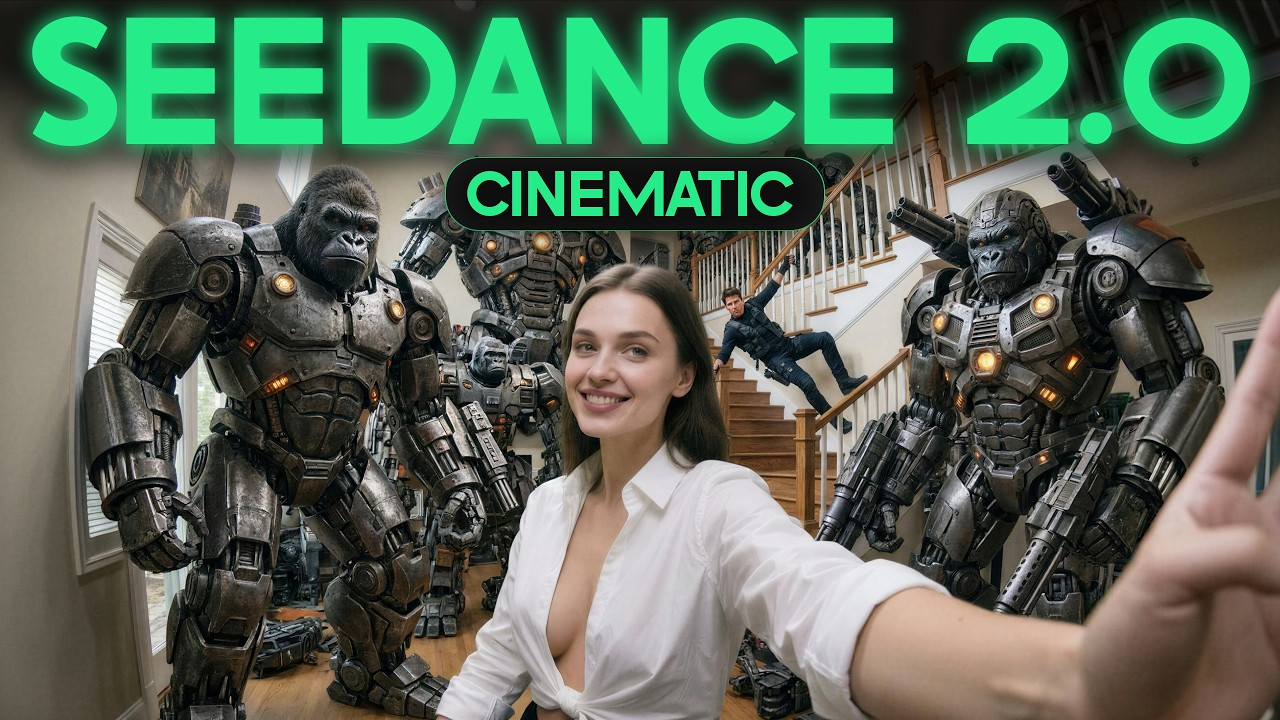
Introduction
Seedance 2.0 is an AI video generation tool that helps users create short videos from text prompts. It is useful for content creators, marketers, and beginners who want fast visual results without using complicated editing software. The main idea is simple: you describe the scene you want, and the AI turns that idea into a video.
How to Use Seedance 2.0
To use Seedance 2.0 properly, start by opening the official platform where the tool is available in your region. Then select the generator section and choose the option related to image or video creation, depending on how the platform is labeled. When writing your prompt, it is important to clearly mention that you want a video. For example, start with phrases like “Create a video of” or “Generate a video showing.” This helps the system understand that you want motion instead of a still image.
A strong prompt should include the subject, background, lighting, camera movement, and overall style. For example, instead of writing “a cat,” write “Create a video of a white cat walking slowly through a sunny garden with cinematic lighting.” The more specific your prompt is, the better the result usually becomes.
Best Way to Get Good Results
Users should experiment with different prompt styles and keep refining their ideas for better output. It is also important to use the tool through official access methods and respect platform rules and limits.
Conclusion
Seedance 2.0 is a useful AI video tool for quick and creative content generation, especially when prompts are written clearly and correctly.
Open the following link.